
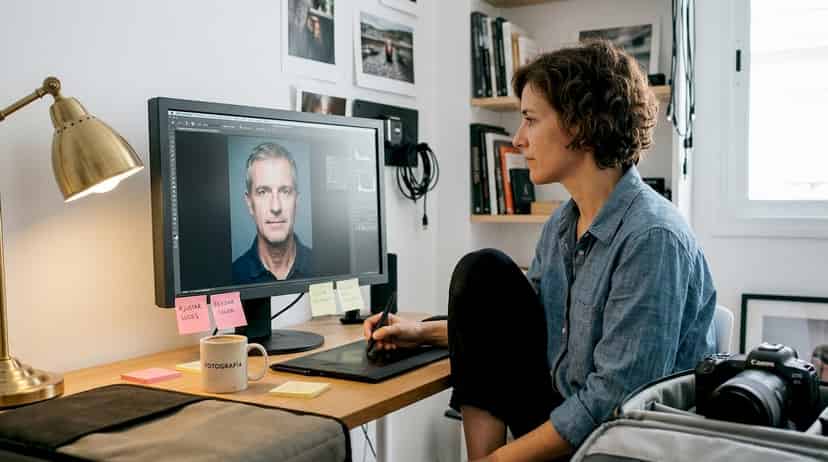
How to Professionally Edit Portraits to Highlight Emotions
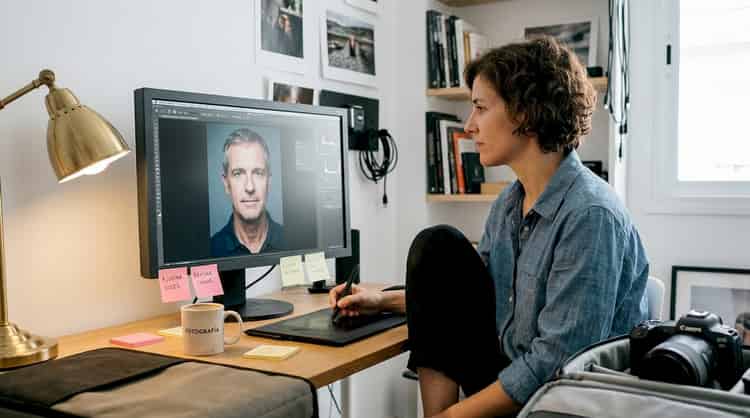
There is a huge difference between a photo that just "looks good" and a portrait that stops you in your tracks because you feel like the person is looking directly into your soul. That difference, in most cases, is not just in the camera or in the light of the moment. It is in the retouching. A well-executed professional editing process can transform a technically correct image into something emotionally powerful, capable of conveying personality, vulnerability, and authenticity at the same time. In this guide, I will walk you through the tools, techniques, and decisions that mark that qualitative leap, step by step.
Table of Contents
- Tools and preparation for professional retouching
- Essential steps to retouch a professional portrait
- Eye and expression retouching: key to capturing the essence
- Final verification and common mistakes when retouching portraits
- What no one tells you about professional retouching in portraits
- Are you looking for a professional portrait that captures your essence in Palma?
- Frequently asked questions
Key Points
| Point | Details |
|---|---|
| Basic preparation | Organize your tools and resources before starting to optimize workflow. |
| Professional sequence | Edit the basics first in Lightroom and perform advanced retouching in Photoshop. |
| Visual essence | The real art of retouching is in highlighting expressiveness without losing naturalness. |
| Attention to the gaze | Well-executed eye retouching enhances the emotional connection of the portrait. |
| Avoid excess | Less is more: subtle retouching always achieves more authentic results. |
Tools and preparation for professional retouching
Understanding the importance of retouching, it is essential to prepare the environment and the right tools before starting. Working without a solid foundation is like trying to paint a picture with worn-out brushes: the talent may be there, but the result will always fall short of its potential.
The physical equipment you need
The first element is a calibrated monitor. It's not a technical whim; it's a real necessity. If your screen displays colors incorrectly, you will be making editing decisions based on false information. A monitor with 100% sRGB color space coverage is the minimum recommended for portraits; if you can achieve Adobe RGB coverage, even better.
Comments (0)
No comments yet. Be the first!